
Cafés & restaurants
Bring menus, table layouts, and customer displays into your service flow. Table capacity and QR ordering depend on your plan and add-ons.
Keep your counter and your business in sync. Manage transactions, inventory, and outlets on the device that works for you.
Early access · Choose your platform to request availability.
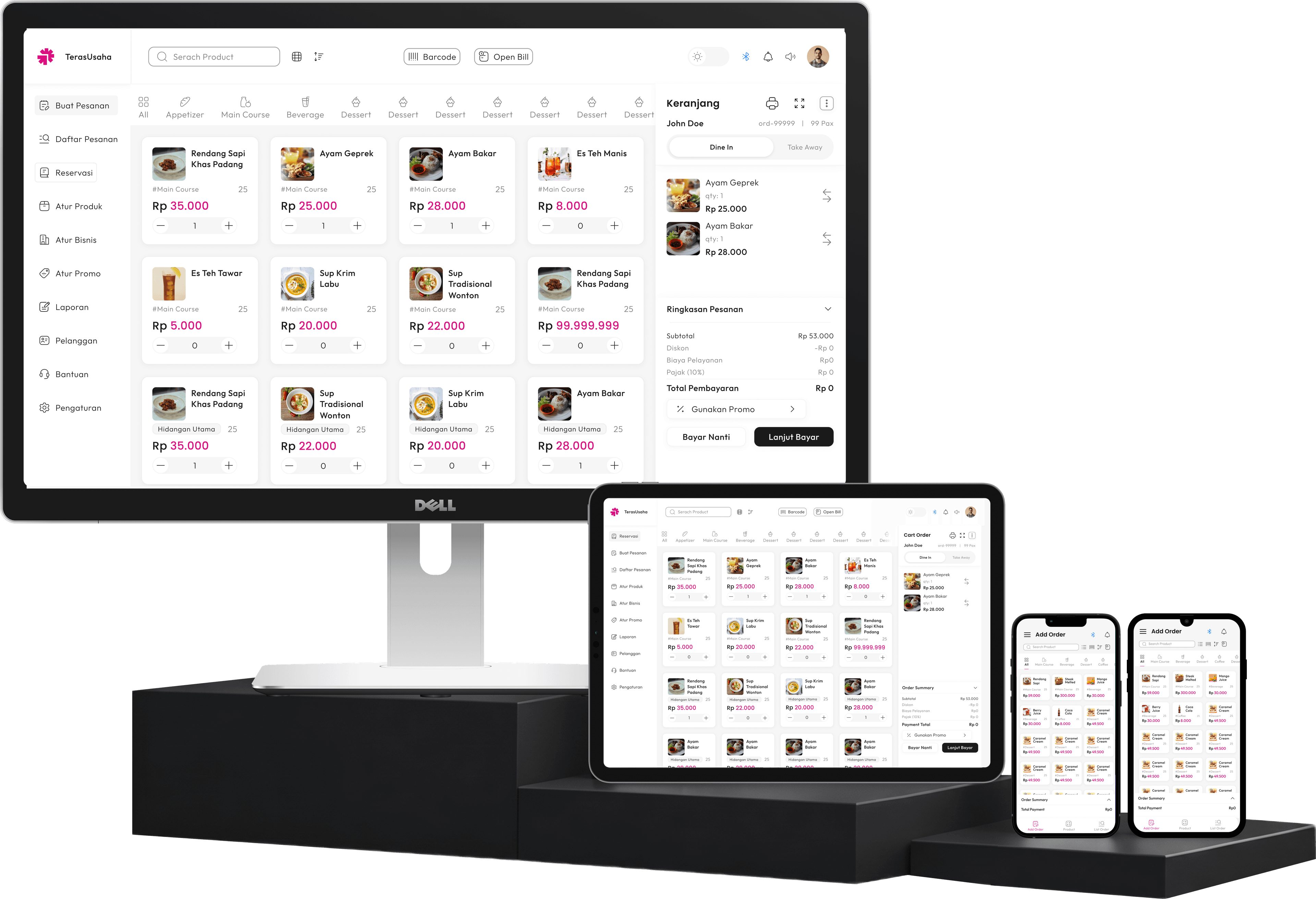
TAKE A CLOSER LOOK
Explore an actual SUN POS screen, then follow the core sales flow. This is a product overview, not a live transaction.
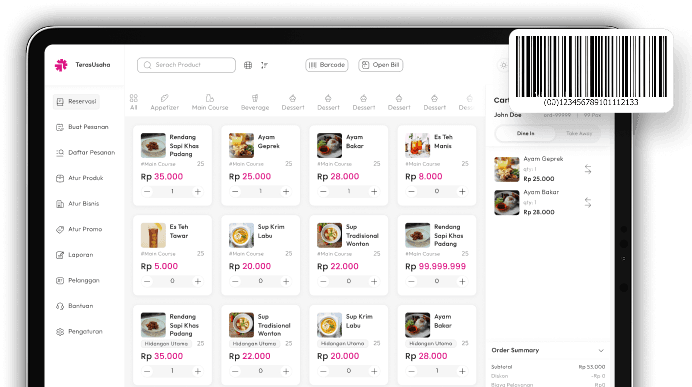
Find an item in the catalog or scan its barcode.
Check the items, quantities, and total before payment.
Record the payment and review the transaction in your sales history.
FIND YOUR WORKFLOW
Bring menus, table layouts, and customer displays into your service flow. Table capacity and QR ordering depend on your plan and add-ons.
Keep product catalogs, barcode scanning, and inventory together at the counter.
Manage multiple outlets and staff permissions, with capacity that follows your selected plan.
MADE FOR EVERYDAY OPERATIONS
From the checkout counter to the owner's reports, keep the work that matters in one place.
A focused checkout flow helps your team serve customers with fewer steps.
Manage products and inventory across one or multiple outlets.
Review sales and business performance without piecing together separate reports.
Add staff roles, devices, and outlets as your operation grows.
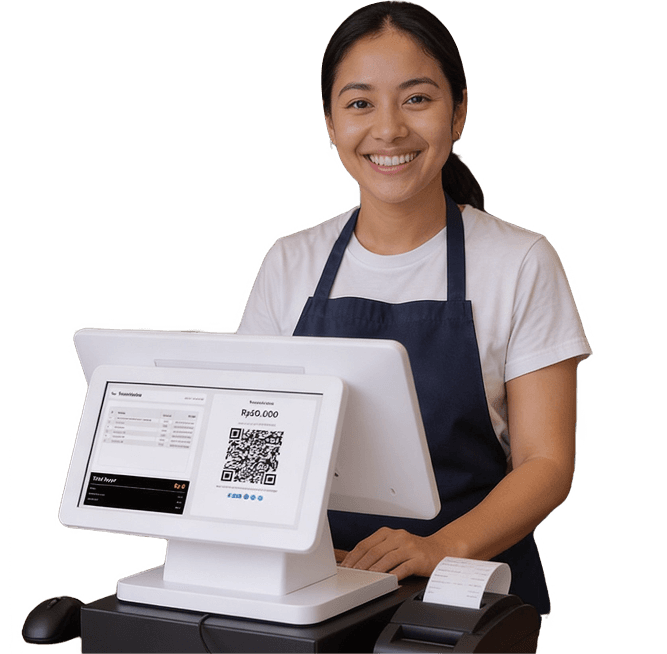
Show customers their items and transaction total on a separate display.
PRODUCT SCANNING
GETTING STARTED
Create your business profile and first outlet.
Set up the catalog, prices, stock, and team permissions.
Use your preferred device to serve customers.
Check sales, inventory, and business insights in one workspace.
YOUR DEVICE. YOUR WORKSPACE.
Use SUN POS at the counter, on a tablet, or on desktop. Choose the platform that fits your team and check availability before getting started.
Check platform availability
TRANSPARENT PRICING
Plan prices and capacity come from the SUN POS catalog.
STARTER PLAN
Start selling with cloud sync and unlimited transactions, for free.
Free
MAIN PLAN
More capacity for growing businesses working across multiple devices.
Rp 49.000
per month
Rp 139.000
per 3 months
Rp 499.000
per year
FLEXIBLE ADD-ONS
Add an outlet when your business opens its next location.
Add staff and device capacity without changing your main plan.
Extra room for product SKUs, variants, and images.
Expand your restaurant layout and enable QR ordering for one outlet.
Personalize SUN POS animations, illustrations, and audio for your business.
Ask about your business data, create product content, and explore deeper analysis within usage limits.
BEFORE YOU GET STARTED
Check your platform below. If a public download is available, use the store or installer link. For early-access platforms, email support with your device and business details. The team will confirm availability and next steps.
The plan comparison above lists the current outlet, staff, device, product, and table limits. Check those limits against your business needs before choosing a plan.
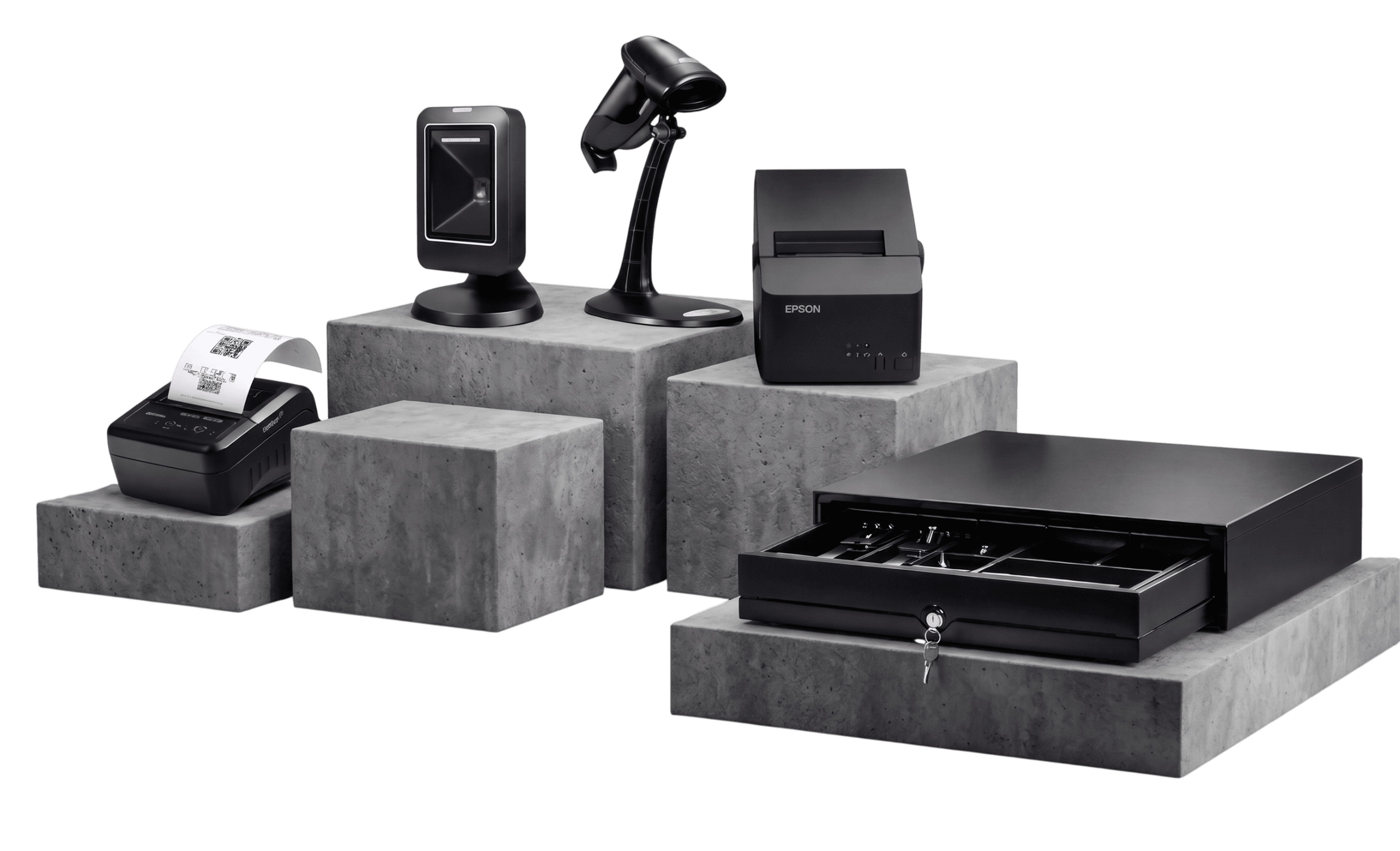
Compatibility depends on the exact model, operating system, connection, and app version. Send those details to support before buying a printer, scanner, or cash drawer.
Cloud synchronization and online services need a connection. Before relying on a disconnected setup, ask support to confirm which operations are available for your platform and app version.
Contact support with your current system, product count, and file format so the team can confirm the available setup or import options. Do not send customer data or account credentials in an initial enquiry.
GET SUN POS
Public releases link directly to their store or installer. Early-access releases require a request to our support team.
Google Play
For Android phones, tablets, and POS terminals.
Request accessApple App Store
For checkout on iPhone and iPad.
Request accessMac App Store
Run SUN POS on your Mac.
Request accessDesktop installer
For Windows PCs and desktop POS setups.
Request accessSnapcraft
For Linux desktops through Snapcraft.
Request accessRequests open your email app. Access is confirmed by the support team; requesting access does not create an account.
Contact support